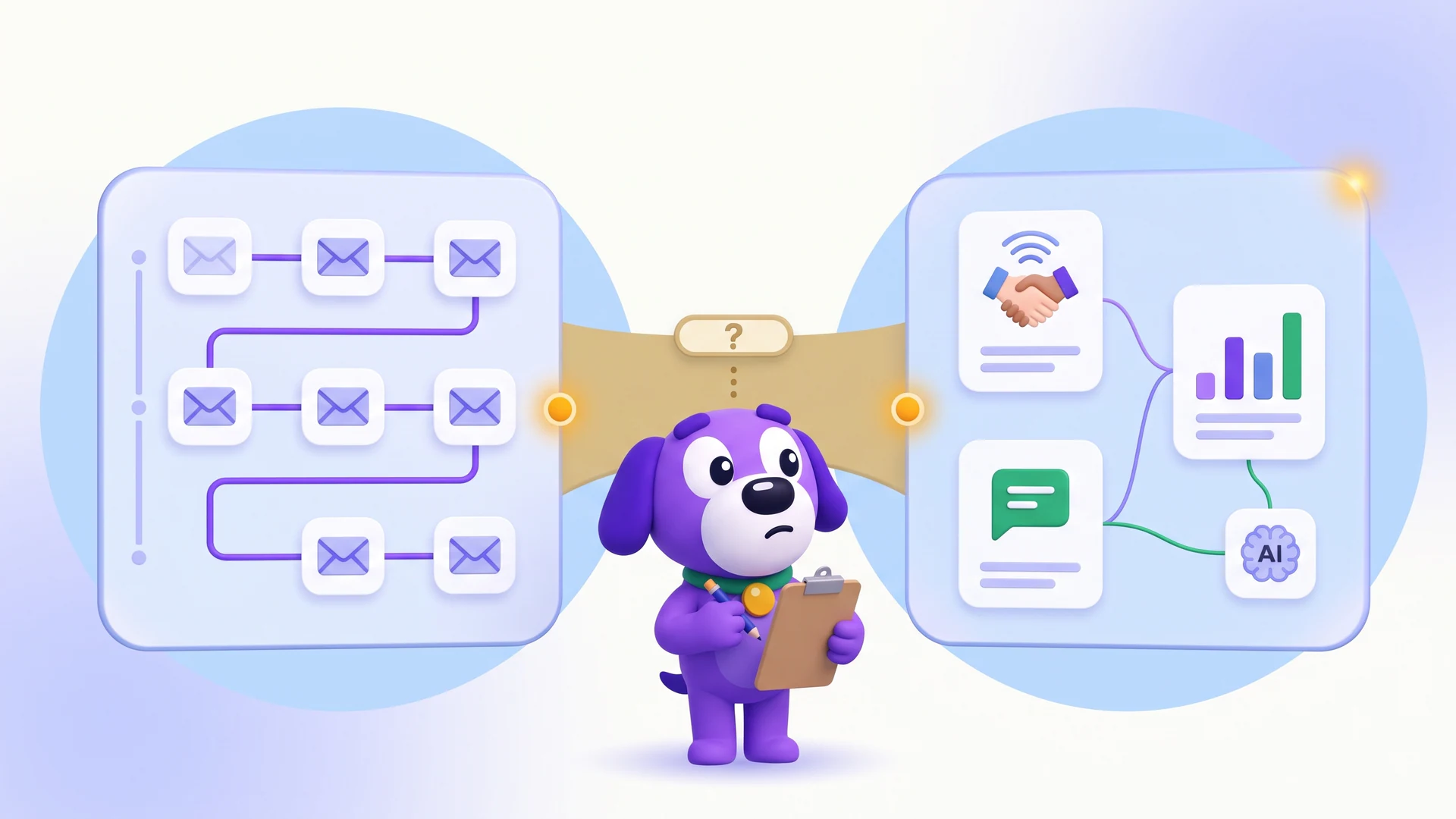
Clay and Flairo might appear in the same search results, but your choice primarily depends on how much work you want to handle in-house. A flexible data orchestration platform suits a team ready to design its own workflows, whereas a guided experience works best when the goal is to move faster from a signal to an actionable campaign.
This guide is not a collection of abstract advice. It accompanies a Flairo mission located at the top of the page: answer a few questions, get a tailored recommendation for your context, then copy the deliverable directly into your CRM or upcoming sales sprint. No account creation is required to try the experience.
The decision this guide should help you make#
Base your choice on your team structure, data complexity, desired level of customization, and execution requirements. Check features, pricing, limits, and integrations on official pages as of your decision date—this comparison offers a decision framework rather than a static inventory.
When to choose a flexible data canvas#
If your Ops team wants to combine multiple sources, write custom formulas, orchestrate enrichments, and control every column, a highly configurable approach can be ideal. However, it requires governance over costs, vendor management, data quality, and maintenance. Flexibility is a major strength when someone truly owns the system.
When to choose a guided campaign workflow#
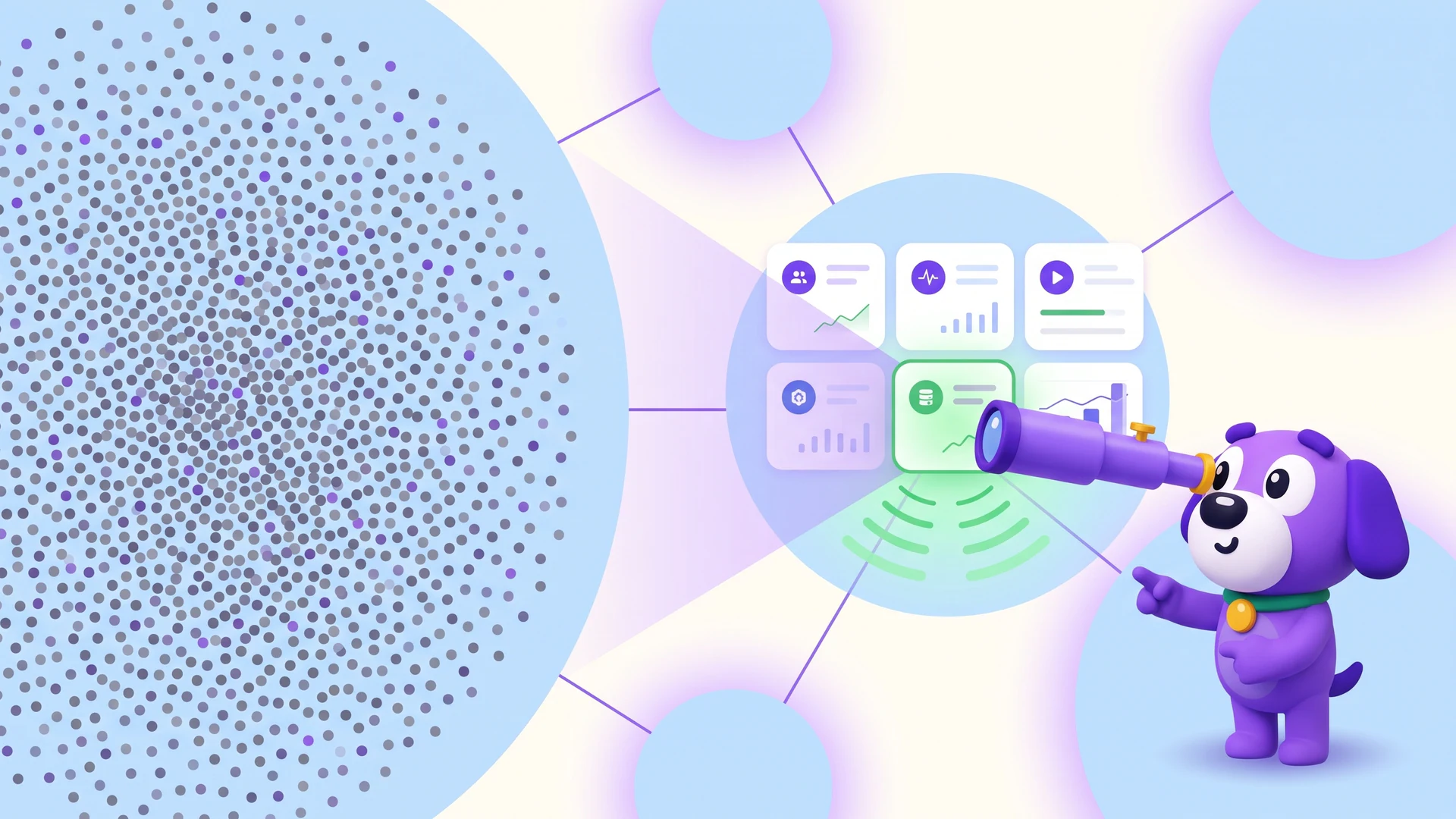
If your main need is to define your ICP, monitor signals, prioritize prospects, and then coordinate email and LinkedIn outreach, an opinionated product reduces decision fatigue. Flairo focuses on this unified path with a strong emphasis on proof, scoring, and sequencing. The trade-off is less building freedom compared to a general-purpose data workbench.
Compare using a real-world scenario#
Take twenty accounts, three signals, and one sequence. Measure setup time, verified field rate, enrichment costs, ease of corrections, and draft quality. Be sure to test missing-data edge cases as well. A polished demo with flawless data rarely reflects day-to-day operations.
Decision criteria#
Evaluate available sources, data transparency, deduplication, human oversight, multichannel capabilities, CRM integration, compliance, total cost of ownership, and internal skill sets. You can also read our general comparison of Clay, Apollo, and lemlist to see how each category fits in.
The concrete seven-day sprint#
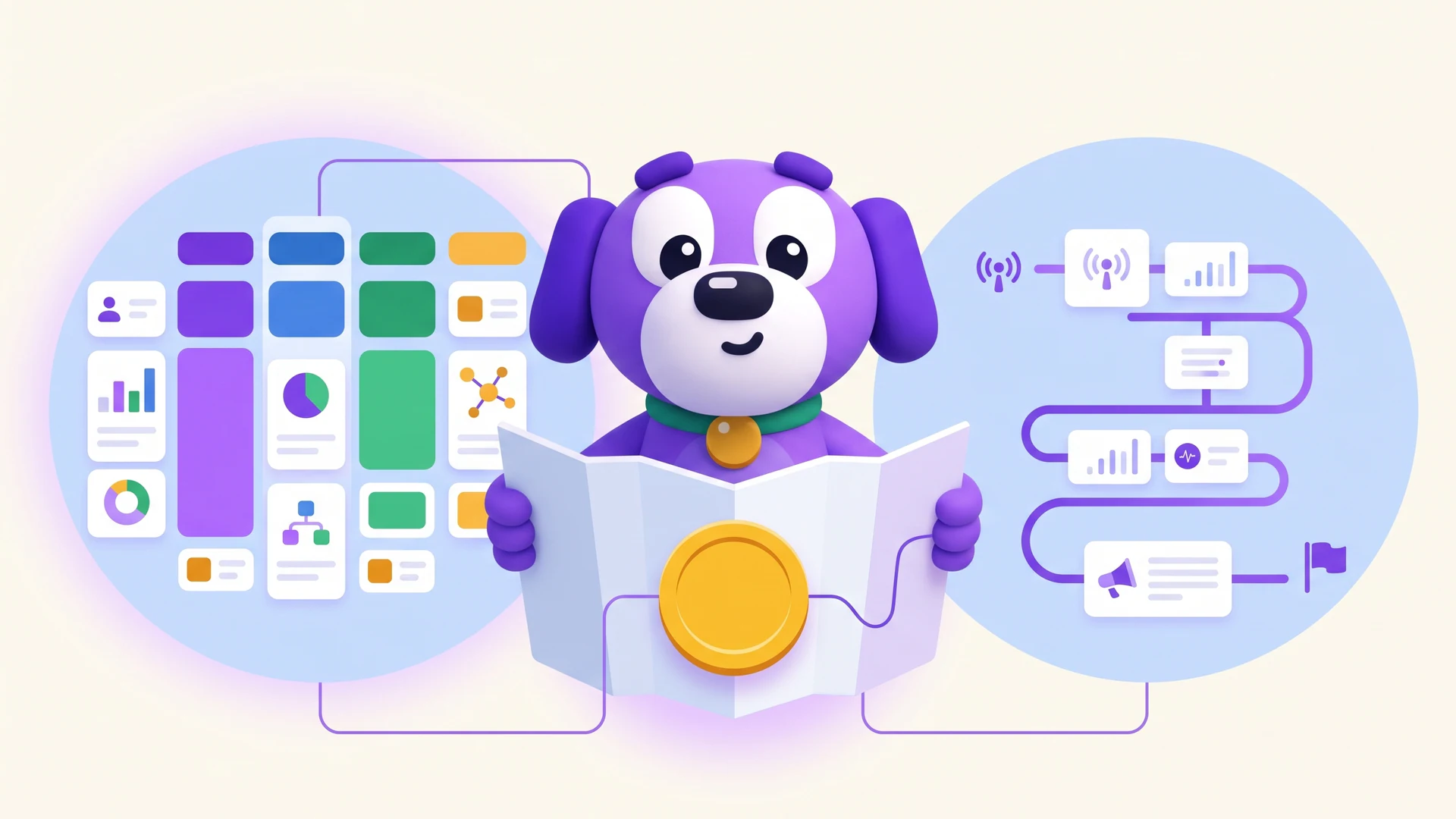
The goal of a short sprint is not to automate everything right away. It is designed to reduce uncertainty through a small set of observable actions. Keep the same target, the same offer, and the same definition of success for a full week; otherwise, you won't know what drove your results.
- 01
Day 1 — Map out the actual workflow with its inputs, decision logic, and outputs.
- 02
Day 2 — Select a representative batch containing incomplete data.
- 03
Day 3 — Replicate the exact same scenario in each tool.
- 04
Day 4 — Measure setup time, variable costs, required fixes, and human dependencies.
- 05
Day 5 — Make your decision based on the primary bottleneck, not the sheer number of features.
- 06
Day 6 — Review replies, objections, and non-responses. Separate targeting, timing, and messaging issues before tweaking your campaign.
- 07
Day 7 — Keep what generated a meaningful conversation, document what failed, and pick a single hypothesis to test the following week.
Measuring performance without self-deception#
Track time-to-first-viable-campaign, cost per actionable account, error rates, weekly maintenance overhead, and qualified conversations. Document the software versions and pricing reviewed so your comparison remains verifiable over time.
Activity metrics—volume sent, profile views, or connection requests—reflect effort. Progression metrics—relevant replies, qualified conversations, held meetings, and pipeline opportunities—reflect generated value. A strong learning loop always connects both and archives a sample of actual sent messages.
How to use this with Flairo#
Start with the personalized deliverable on this page. Then turn each hypothesis into a tightly focused campaign: one segment, one signal, one angle, and one call to action. Flairo centralizes prospecting research, scoring, email and LinkedIn sequences, as well as reply analysis. The role of AI is not to mask generic messaging; it is to make specific observations faster to execute on.
To build the complete system, continue with the buying signal prospecting guide, the ICP + timing scoring model, and the 30-day outbound playbook.